Home / Blog / Social Media Marketing
Social Media Marketing
How to Do Facebook Ads: A Step-by-Step Guide for Beginners
A Facebook ad is a paid post that Meta shows to people who do not follow you yet. To run one, create a Facebook Page and ad account, then boost a post or build a campaign in Meta Ads Manager. Pick one goal, aim it at your city, set a daily budget and publish. A boost takes minutes. A full campaign takes about half an hour.
Key takeaways
- A Facebook ad is a paid post that Meta shows to people who do not follow you yet. You choose the goal, audience and budget.
- There are two ways to run one: boost a post from your Page, or build a campaign in Meta Ads Manager.
- Pick one objective per campaign and aim it at your own city. A local business gains more from Leads or Engagement than from reach.
- Start with roughly Rs 300 to Rs 350 a day for 5 to 7 days, then judge by cost per enquiry, not likes.
What is a Facebook ad
Put simply, a Facebook ad is a post you pay to put in front of new people. It looks like normal content, carries a small “Sponsored” label and has a button, such as Send message, Call now or Learn more.
If you have ever wondered “what is a Facebook ad and how is it different from posting on my Page”, here is the difference. A normal post reaches a small slice of the people who already follow you. An ad lets you choose who sees it, such as people within 10 km of your shop, and guarantees a certain amount of delivery for the budget you set.
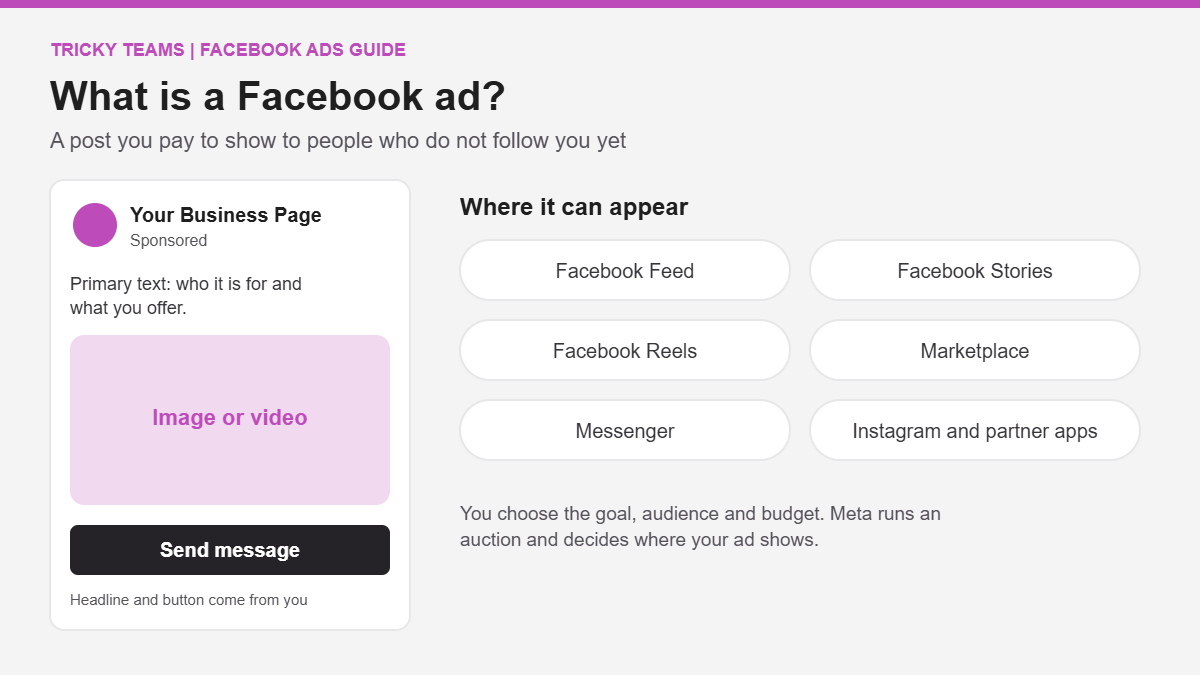
You do not pay Meta to “have” an ad. You set a budget, Meta runs an auction every time someone scrolls, and your ad competes with other advertisers for that space. Better creative and a relevant audience usually win more delivery for less money.
Facebook ad formats
People mix up format and placement. The format is how your ad looks. The placement is where it shows, such as Feed, Stories or Reels. Choose the format first.
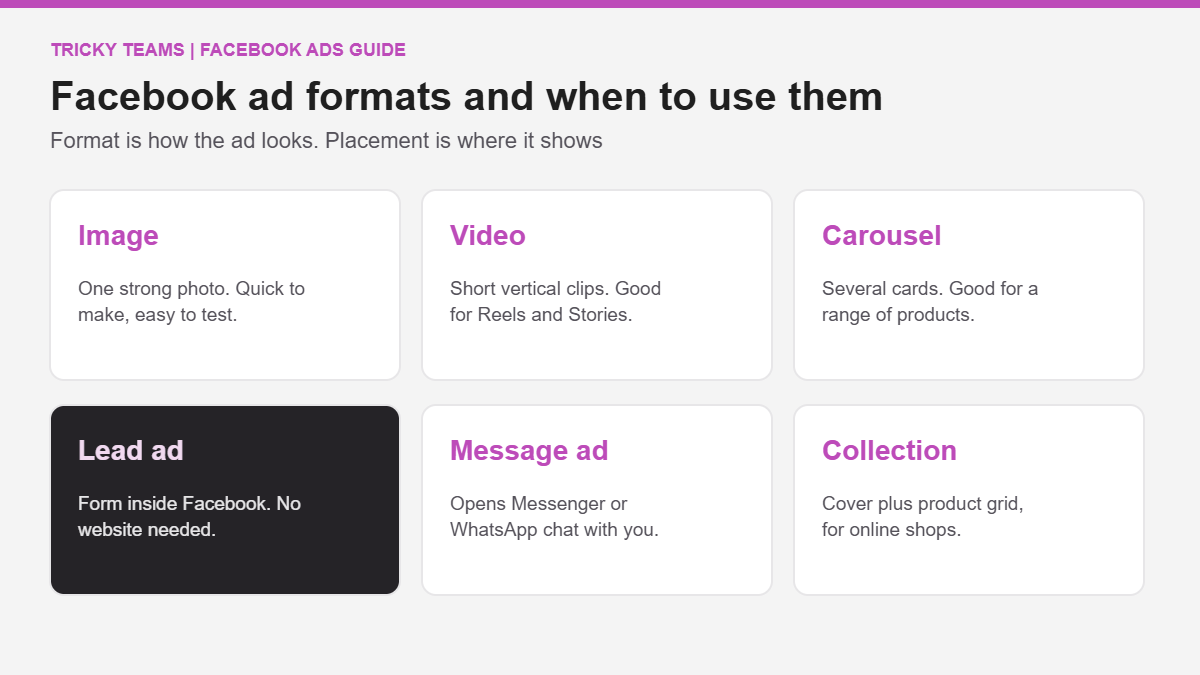
| Format | Best for | Example |
|---|---|---|
| Single image | Quick tests, offers, announcements | Festival discount on a saree |
| Video (vertical) | Reels and Stories, showing a process | Dentist explaining a procedure |
| Carousel | Several products or steps | Interior designer showing 5 projects |
| Lead ad | Collecting enquiries inside Facebook | Free demo class sign-up |
| Message ad | Starting a chat with you | “Message us for a quote” |
What you need before your first ad
Do this first or you will get stuck halfway through, usually at the payment step.
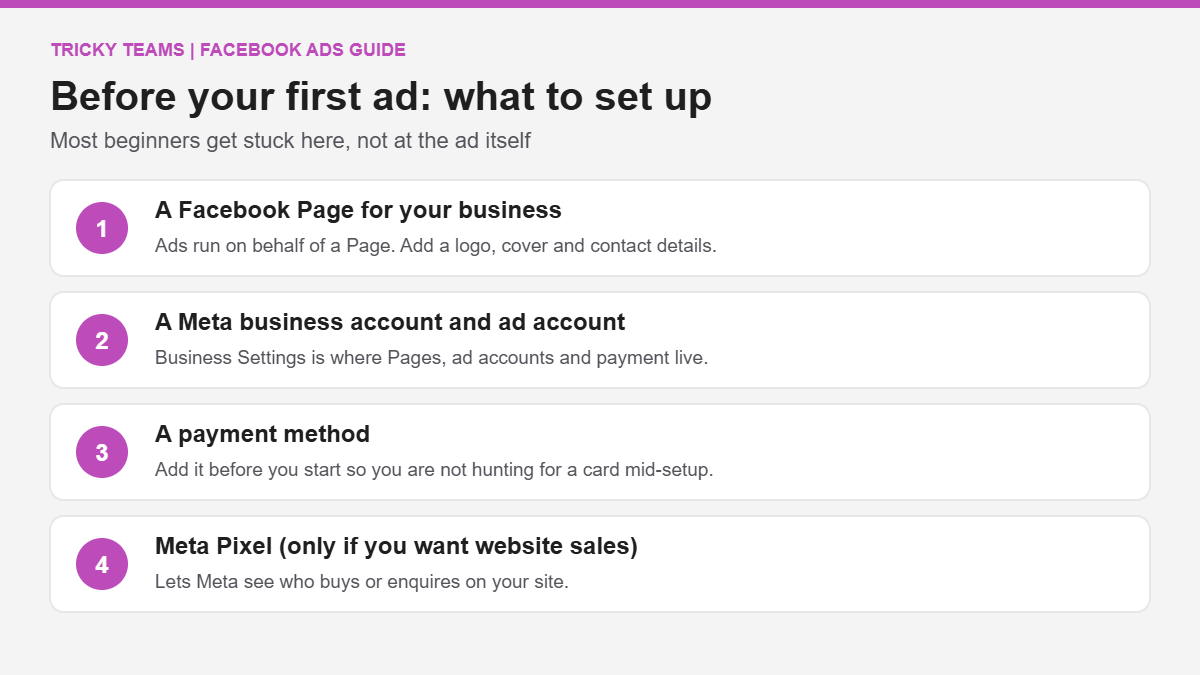
- A Facebook Page. Ads run on behalf of a Page, so make it look trustworthy: logo, cover photo, phone number, address, hours.
- A Meta business account and ad account. Business Settings is where Pages, ad accounts and payments sit together.
- A payment method. Add it before you begin.
- The Meta Pixel, if you want website sales or tracked enquiries. It tells Meta who bought or enquired on your site. Skip it for a first message or lead-form test.
How to put ads on Facebook by boosting a post
Boosting is the quickest way to put an ad on Facebook. It is a good first experiment.
- Pick a post that already works. Look for one with real comments, shares or saves from customers, not just family and friends.
- Click Boost post under the post on your Page.
- Choose one goal, such as more messages, more website visits or more engagement.
- Set the audience. Choose your city or a radius, an age range and a few interests. Keep it local.
- Set budget and days, for example Rs 300 a day for 7 days, which is Rs 2,100 in total. Check the preview and boost.
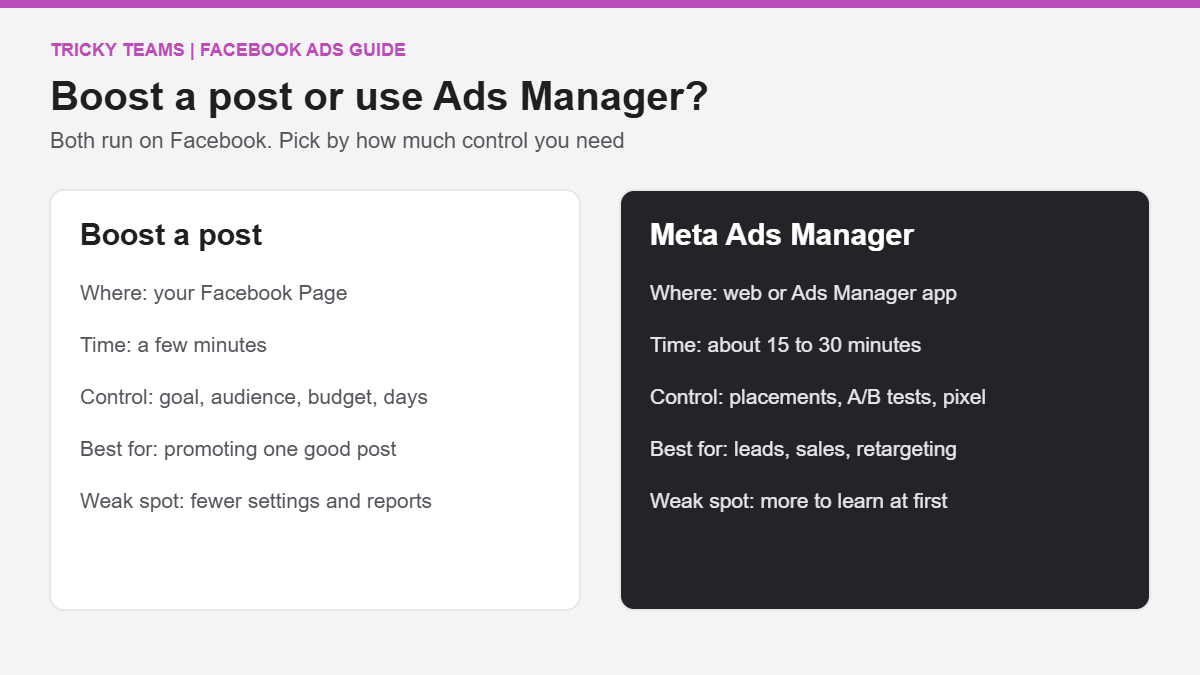
A boost cannot do everything an ad can. If you want lead forms, careful placement control or tracking of sales, move to Ads Manager.
How to do Facebook ads in Ads Manager
This is how to do Facebook ads properly. Take it slowly the first time, because each step is a real decision about your money.
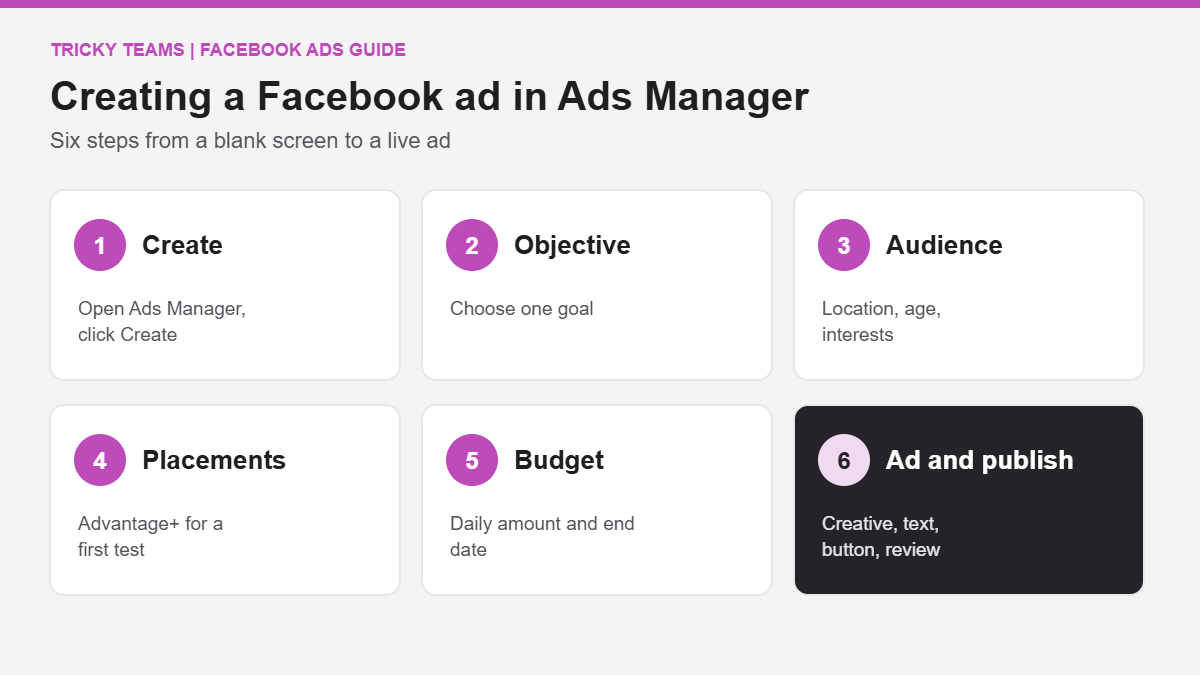
Step 1. Open Ads Manager and click Create
Go to Meta Ads Manager, choose your ad account and click Create. Check that the right Page is connected.
Step 2. Choose the objective
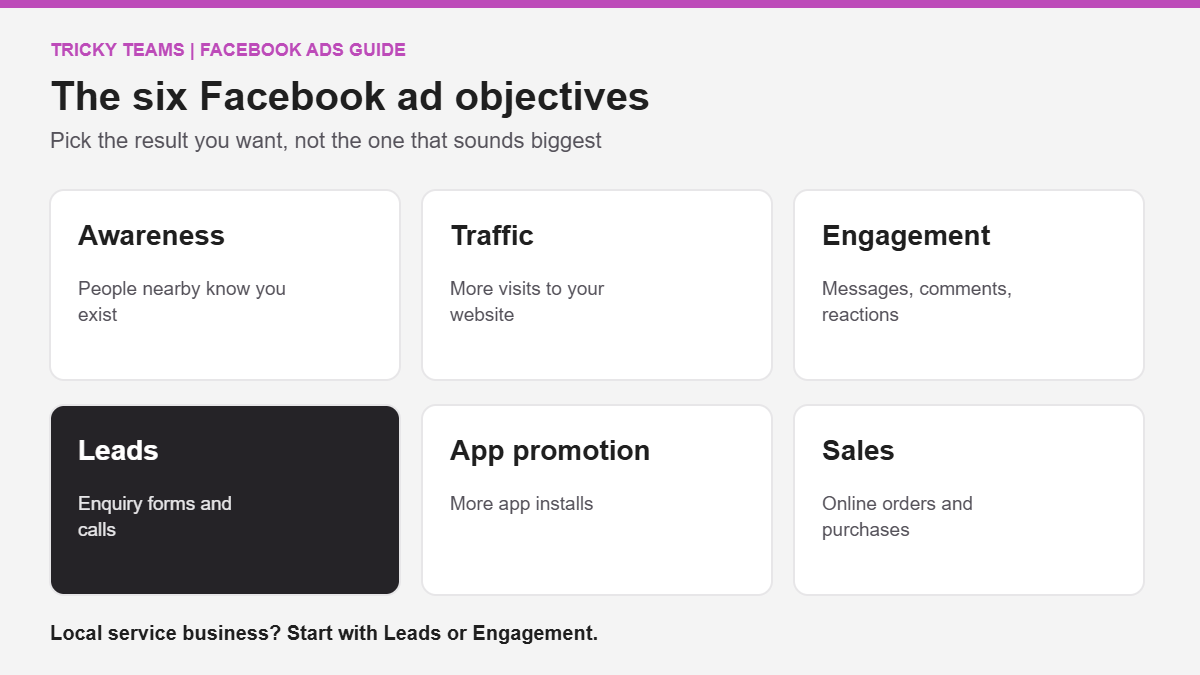
Meta now uses six objectives. Everything else in the campaign is optimised for the one you pick, so be honest about what you want.
Step 3. Build the audience
- Location: your city or a radius. For Coimbatore, 10 to 15 km around the shop is a sensible start.
- Age and gender: only narrow this if you truly serve one group.
- Interests: add a few, not twenty. Broad audiences often work better than people expect, because Meta finds buyers from your creative.
Step 4. Choose placements
For a first test, leave Advantage+ placements on so Meta can show the ad where it performs best. After a week, look at which placement gave the cheapest results.
Step 5. Set budget and schedule
Choose a daily budget and an end date so the ad cannot run forever by accident.
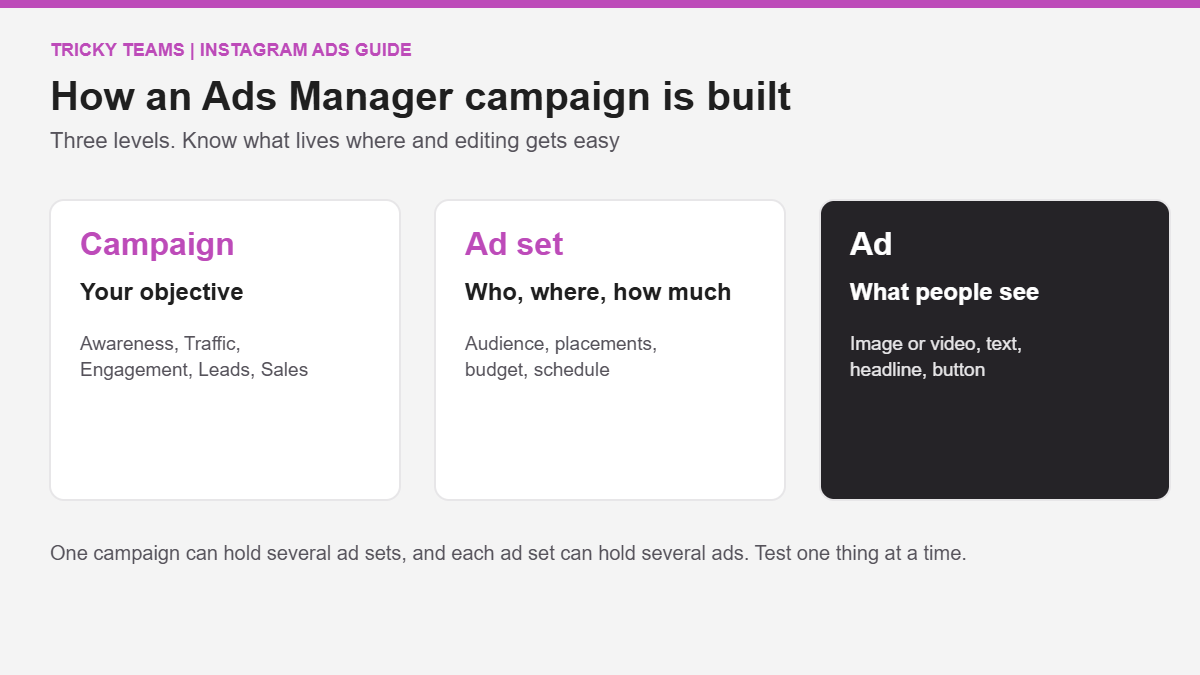
Step 6. Create the ad and publish
Choose your Page as the identity, upload a clear image or a vertical video, write the primary text, add a headline and pick the button. Check the preview for Feed, Stories and Reels, since text often gets cut off at the edges, then publish. The ad goes into review and starts showing once approved.
How much should you spend
You set the budget. What matters is how many results you can afford. The click and lead costs below are a rough 2026 estimate from one Indian agency and move a lot by industry and season. Use them to plan, not to promise yourself results.
| Daily budget | For 7 days | Good for |
|---|---|---|
| Rs 300 | Rs 2,100 | First boost or message test |
| Rs 500 | Rs 3,500 | Local lead test in one city |
| Rs 1,000 | Rs 7,000 | A proper campaign with two ad sets |
Rough reference: clicks Rs 4 to Rs 50, leads Rs 150 to Rs 2,000, with finance and real estate at the top end and education and health lower. Clicks are not customers, so watch cost per enquiry. Our digital marketing pricing guide shows how ad spend sits next to management fees.
Ad copy examples you can adapt
These are samples to show the pattern, not client results. Swap in your own details.
- Interior designer: “Planning a 2BHK interior in Coimbatore? See 5 real homes we finished this year, with costs. Tap Send message and we will share the full list.”
- Garment retailer: “Diwali stock just landed. Kids’ and men’s wear from Rs 399. Message us your size and we will send photos on WhatsApp today.”
- Driving school: “Learn to drive in 21 days with a lady instructor available. Free first session. Tap to book a slot.”
The pattern: who it is for, one clear offer, one next step. Skip the paragraph about how great the company is. If you advertise in healthcare or finance, read the claim rules first, because “guaranteed” language gets ads rejected. We cover these on our healthcare, dental and finance pages.
How to tell if your ad is working
Wait 3 to 5 days before touching anything. Then look at four things in Ads Manager:
- Cost per result: what one message, lead or sale costs. This is the main number.
- Click-through rate: a very low rate usually means the picture or first line is weak.
- Frequency: how often the same person saw it. Past 3 to 4 in a week, change the creative.
- Quality of enquiries: read the actual messages. Many clicks and few real enquiries means the offer or audience is off.
Change one thing at a time: first the creative, then the audience, then the budget.
Seven mistakes that waste ad money
- Boosting a post nobody engaged with organically.
- Choosing “reach” or “likes” when you want enquiries.
- Targeting all of India for a local business.
- Putting too much text on the image.
- Sending people to a slow website. Test yours with our free website speed checker first.
- Changing everything every day so the system never learns.
- Stopping after three days because the first numbers look poor.
Do it yourself or get help
Running your first boost yourself is a good idea, because you learn what the buttons do. Once you spend regularly, creative, testing and reporting take a few hours every week, and that is where most owners run out of time. Tricky Teams manages social media and digital marketing from Rs 8,000 per month, and your ad budget is paid directly to Meta so you always see where the money goes. The first review is free.
If you would rather have a team run your ads, see our Facebook advertising agency page for how we plan, run and report them.
Frequently asked questions
What is a Facebook ad?
A Facebook ad is a paid post, video or offer that Meta shows to people who do not follow your Page. You choose the goal, the audience and a budget. It appears in places like the Facebook Feed, Stories, Reels and Marketplace, with a small “Sponsored” label and a button such as Send message or Learn more.
How do I do Facebook ads as a beginner?
Create a Facebook Page, set up an ad account with a payment method, then boost one good post or build a campaign in Meta Ads Manager. Choose one goal, target your own city, start with a small daily budget for 5 to 7 days and judge the result on cost per enquiry.
How do I put ads on Facebook step by step?
Open Meta Ads Manager, click Create, choose an objective, set the audience and placements, set a daily budget and end date, then add your image or video, text and button. Review the preview and publish. The ad goes through a short review before it starts showing.
How much do Facebook ads cost in India?
You decide the budget. What you pay per result depends on your industry and competition. One Indian agency estimate for 2026 puts clicks at roughly Rs 4 to Rs 50 and leads at roughly Rs 150 to Rs 2,000, with finance and real estate at the higher end. Use these as planning numbers, not promises.
What is the minimum budget for Facebook ads?
Meta sets a small platform minimum that can change. In practice, around Rs 300 to Rs 350 a day (about Rs 10,000 a month) gives the system enough data to learn. You can start lower as a test, but a few hundred rupees in total rarely tells you whether ads work for your business.
Do I need a Facebook Page to run Facebook ads?
Yes. Facebook ads run on behalf of a Page, so create one before you start. Add a clear logo, a cover photo and your contact details, because people often tap through to the Page before they enquire.
What is the difference between boosting a post and running an ad?
Boosting is a quick way to promote an existing post from your Page with a few settings. An Ads Manager campaign gives you more objectives, placement control, A/B tests and conversion tracking. Boost for a quick test, Ads Manager when you want leads or sales regularly.
Which Facebook ad objective should I choose?
Choose the result you actually want. Leads or Engagement suit most local service businesses, Traffic suits a content or blog push, and Sales suits an online shop with the Meta Pixel installed. Awareness only makes sense when you want people to simply know you exist.
How long should I wait before judging a Facebook ad?
Give it at least 3 to 5 days and enough spend to collect a few dozen results. Meta needs that time to learn who responds. Changing the audience or budget every day resets the learning and makes the numbers hard to read.
Why was my Facebook ad rejected?
Common reasons are too much text on the image, misleading or “guaranteed” claims, a landing page that does not match the ad, personal-attribute wording, or a restricted category such as credit or housing. The rejection notice names the policy. Fix that one point and resubmit.
Can I target only my city, like Coimbatore or Chennai?
Yes. In the audience step choose a city, or drop a pin and set a radius such as 10 km around your shop. For a local business this is usually the most useful setting, because it stops you paying for clicks from people who can never visit.
Do Facebook ads also show on Instagram?
They can. With Advantage+ placements Meta may show the same ad on Facebook, Instagram, Messenger and partner apps. That is fine for a first test, but check where results come from. Our Instagram ads guide covers the Instagram side in detail.
Want us to look at your Facebook ads?
Send us your Page and we will tell you what to fix first, free of charge.